
Graveyard Keeper 2 Town Orders & Trading Guide — Fulfill Warehouse Orders
How to unlock the Town Warehouse in Graveyard Keeper 2, accept supply orders on Pride Day, deliver the right supply boxes, and earn silver and Likes every week.
FAQ
What day do you accept town orders in Graveyard Keeper 2?
Why won't my supply order complete?
What are Likes used for in Graveyard Keeper 2?
How many town orders can you accept at once?
Can zombies deliver town orders for you?
How do town orders work in Graveyard Keeper 2?
Town orders are the Town’s weekly supply contracts. On Pride Day you accept up to two requests from the chalk board inside the Town Warehouse, spend the week crafting the exact supply boxes the orders name, and stack them at the warehouse drop-off. Each completed order pays silver plus Likes, the Town’s gratitude currency.
The system is the Town’s answer to a simple problem: the settlement is full of restored shops and hungry townsfolk, and nobody is producing goods anymore. You are. The warehouse board converts your production lines into a reliable weekly income and a steady drip of Likes, which is why most players treat it as the backbone of their economy rather than a side quest. For the wider earning picture — certificates, the paint trade, and late-game alchemy loops — see our money-making guide.
| Part of the system | How it works |
|---|---|
| Accepting orders | Pride Day only, on the chalk order board inside the Town Warehouse |
| Active order limit | 2 at a time |
| Delivering | Any day, any time — drop supply boxes at the warehouse drop points |
| Getting paid | Silver plus Likes, claimed from the board once the order registers |
| Weekly cap | The thumbs-up counter in the HUD tracks your weekly Likes (shown as X/20 at launch) |
How do you unlock the Town Warehouse?
Liberate the eastern, port side of the Town. Once you have pushed the zombie horde out of that district, crossed the bridge, and worked through the port-area quests, Jack takes over the warehouse and its order board opens for business. Every guide that covers the system points to the port liberation as the gate.
Multiple launch-week guides agree on the shape of the unlock: you free the eastern part of the village from zombies, reach the Town Warehouse, and Jack becomes the NPC who runs it. One detailed walkthrough names the two quests on the way — “Docked and Found” and “Workshop Hours” — after which you can start building shops on the available plots around town. Those rebuilt shops matter more than they first appear: the developer’s official Town devlog states plainly that restored buildings “create new markets for your goods and unlock valuable products and resources for you to buy.”
Which day can you accept town orders?
Pride Day — the day the week wheel marks with the purple sun icon. Orders can only be accepted on that one day; the board is locked the rest of the week. Once Pride Day ends, your two selections are locked in too, so choose orders that match what your stations can actually produce.
The rest of the week is for everything else: you deliver goods any day and at any hour, and you can claim rewards from the board whenever an order registers as complete. The weekday rhythm trips up a lot of launch-week players — if you are still learning which day gates which activity, our beginner guide has the full week table.
How do you craft the supply boxes an order asks for?
Craft exactly what the order names — not the raw material. A “Supply: Iron” order does not want iron bars fresh from your furnace; it wants the specific iron supply boxes crafted at the relevant production station. This single misunderstanding is the most common reason orders stall at four out of five deliveries.
Every order names a specific supply box, and players report around twenty-two different box types at launch, from fabric to vegetables to iron components. You cannot buy them from traders — the whole point is that the Town needs your workshops. Three practical rules from launch week:
- Read the item name on the order, then hover it. The board tells you the exact box and quantity; the tooltip points at the station that makes it. One early walkthrough documents “Supply: Iron” being crafted at the Woodworking Bench, five boxes per order.
- Process, then pack. Raw goods are inputs; the deliverable is always the crafted box. If the board counter is not moving when you drop goods off, you are dropping the wrong thing.
- Match orders to lines you already run. You only get two slots, so an order for boxes you cannot produce yet is a wasted week. Our items and materials overview covers where every input comes from.
Where do you deliver supply orders?
At the Town Warehouse, onto the tarp-covered crate stack — never by talking to Jack. The drop point sits behind Jack on the ground floor, and there is a second drop point in the basement: go down the ladder by the crane, and place boxes on the cargo hatch platform there. Both count toward the same orders.
The full delivery loop, start to finish:
- On Pride Day, interact with the chalk order board and accept up to two orders.
- Craft the exact supply boxes at the matching stations during the week.
- Carry boxes to the warehouse and drop them on the covered crate stack behind Jack, or take them down the ladder to the basement hatch by the crane.
- Watch the board counter tick up as each box registers — players report the counter visibly climbing from 1 toward the target as you place each one.
- Interact with the board to confirm progress and, once the order completes, collect your silver and Likes.
The basement route exists for a reason: it connects to your base through the tunnels, which is exactly the path your zombie porter will use once automation is running. Anything extra you drop off beyond the order quantity is not wasted either — players report surplus boxes either bank toward your next order of that type or get sold off by the warehouse for extra coin.
What do town orders pay?
Silver plus Likes. Every completed order credits you money on the board and a chunk of the Town’s gratitude — launch-week guides report orders paying anywhere from about 10 Likes for small regular contracts up to roughly 80 for urgent ones, with a perk called Happy Supplier adding a reported bonus on top.
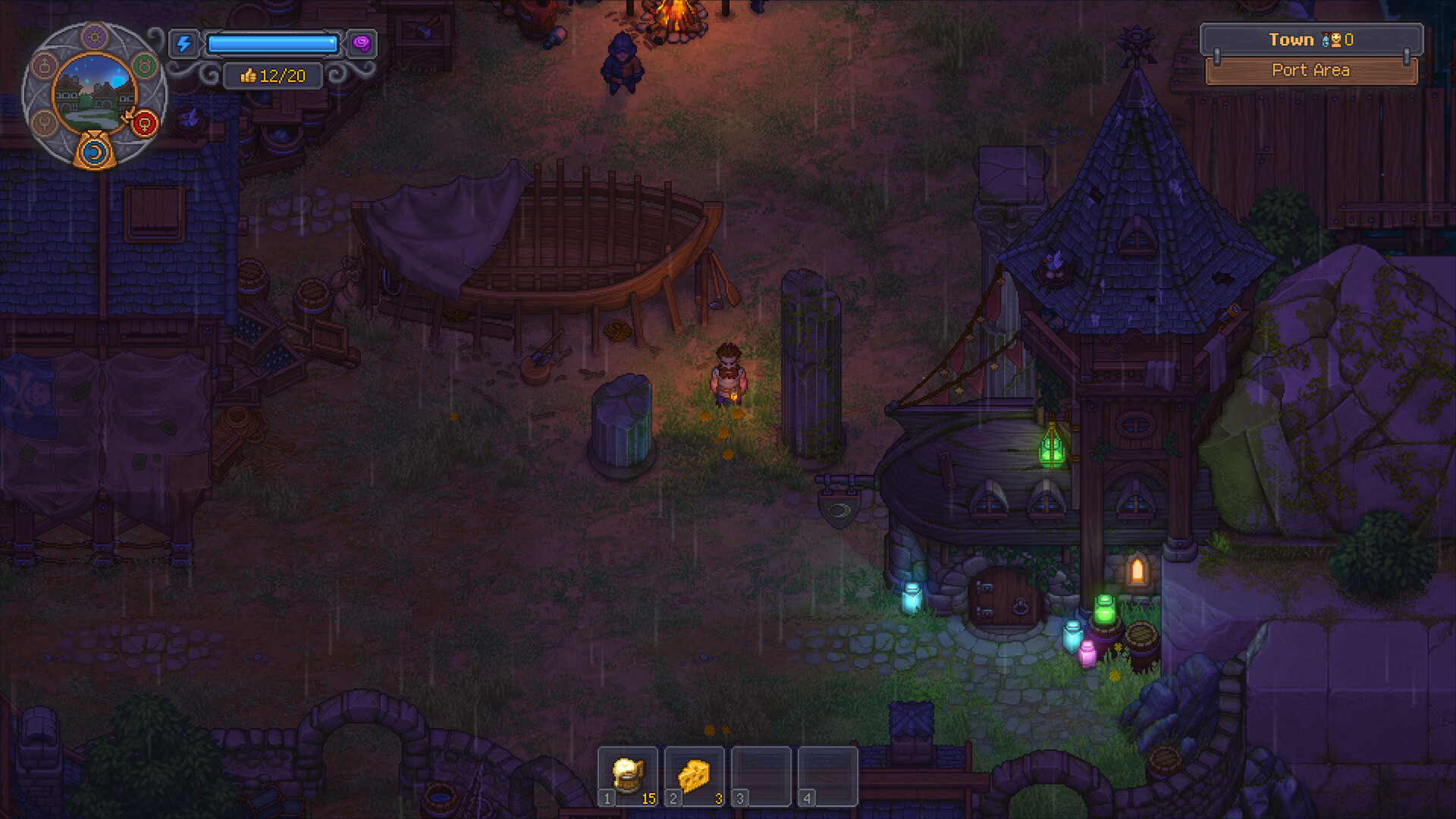
Likes share a weekly cap, and the HUD makes it visible: the thumbs-up counter beside the week wheel reads as a fraction (the launch UI shows values like 5/20 or 19/20). When the counter is full, extra Likes from the board are wasted — so time your claims before it fills. The counter matters beyond bragging rights: Likes fuel the faith-and-sermon side of the game, which is why automating orders is such a popular mid-game project. Note that one player’s automated flax line, reported in our mid-game progression guide, paid out 25 and 15 Likes from two weekly orders — the amounts vary by order tier.
How does trading with merchants work?
Sell to specialists, in small batches. Every merchant only buys goods relevant to their own field — the tavern keeper wants food and drinks, the grocer wants supplies like seeds, thread, and metal scraps — and prices shift with each vendor’s stock, sliding down as you flood them with one item.
The two merchants you meet first are Januarius in the village tavern, who buys food and drink, and Herm across the street, who deals in groceries and supplies. For anything more specialized — fabric, polished bronze, alchemical goods — you need the shops you rebuild across the Town, which stock better goods for you to buy and open new buyer lists for you to sell to. Selling anything a trader wants also drips a small amount of Likes on top of the sale, and multiple players run a deliberate buy-and-resell loop: buy what one vendor stocks, carry it to the trader who is short on it, and collect the Likes on the resale.
| Trading rule | Why it matters |
|---|---|
| Merchants buy only their own field of goods | Match the good to the shop, not the wallet |
| Prices move with vendor stock | Selling one item in bulk crashes its price; spread sales across shops and goods |
| Every sale earns a little Likes | Trading is a second gratitude income stream on top of orders |
| Some goods keep a static price | Official Update 1.006 notes fixed-price trade goods so their value no longer doubles on first buy |
| Vendor funds refresh | Players report merchant money restocking daily — return tomorrow instead of dumping everything at once |
Can you automate town orders with zombies and the factory?
Yes — and it is the most popular mid-game project for a reason. A porter zombie on a supply pallet hauls finished boxes through the tunnels to the warehouse basement on its own, and once the factory unlocks, conveyor-fed stations craft the boxes without you at a bench. Only the board still needs your hands, on Pride Day.
The porter setup is the first step. Build a supply pallet — players report it unlocks in the carpentry branch of the tech tree after Jack’s second crate-related quest — place it where your production line ends, and put a porter zombie on it. The porter shuttles crates along the tunnel route to the warehouse basement “without being seen,” as one player put it, and keeps doing it every week. Your worker zombies still need a supplier zombie to bring them materials, which is the standard two-zombie pairing from our zombie automation guide.
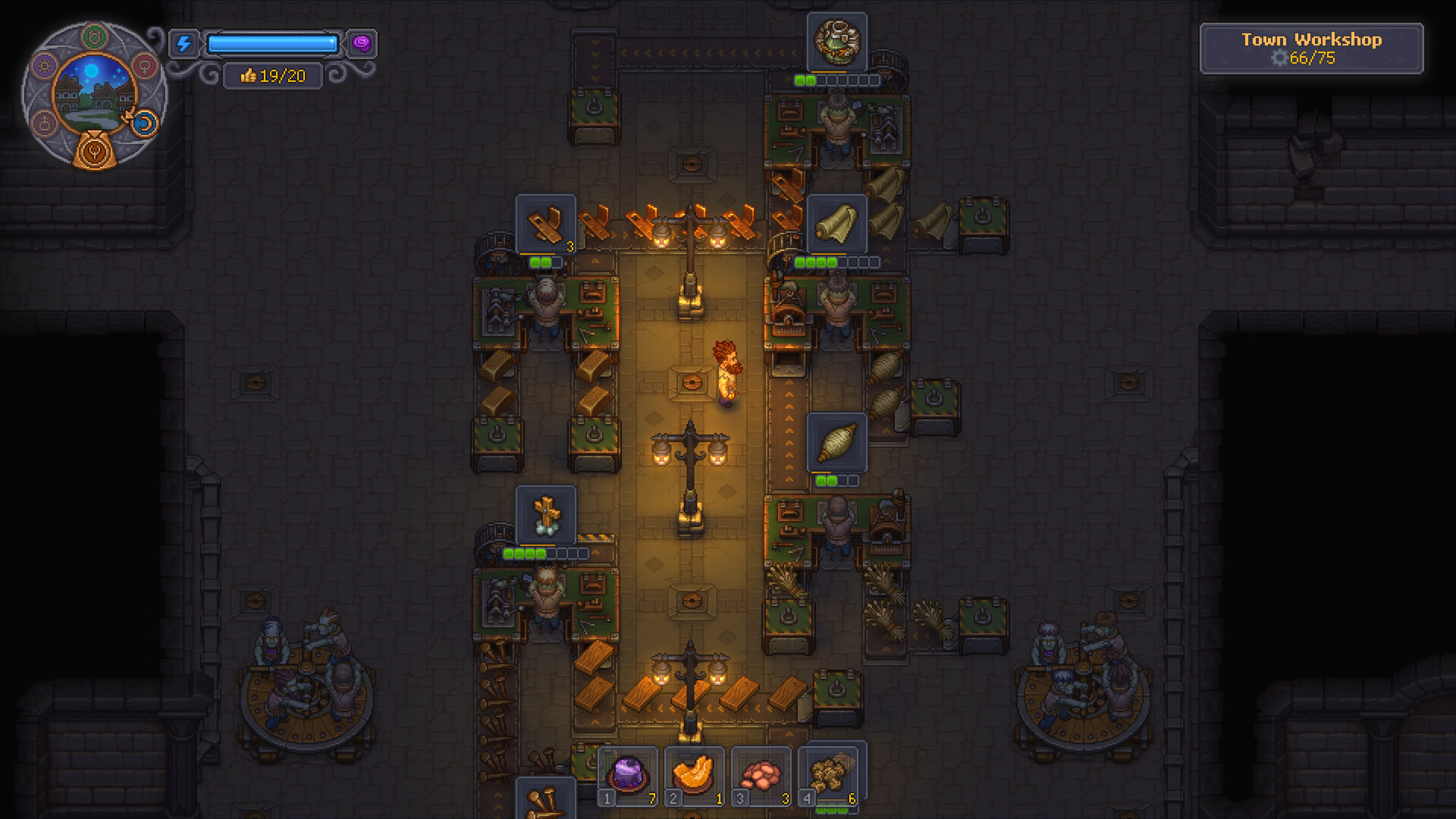
The factory is step two. Both of the launch-week factory guides below walk through the same arc: rooms under your house and yard, conveyor belts feeding crafting stations, and an output line that ends at the supply pallet — turning order fulfillment into a background process that prints silver and Likes while you do graves and quests.

Setting Up Factory Guide in Graveyard Keeper 2 — Quick Tips

Graveyard Keeper 2 Factory Setup Guide (Automate Town Warehouse Orders Tips and Tricks) — Born 2 Game
One warning before you wire it all up: an unattended porter will happily keep delivering boxes after the current orders are finished, and players report those surplus crates either bank into your next order or simply get sold off. Two clean fixes from the community: instruct your crafting zombies to build exactly the quantity the active orders need each week, or stockpile finished boxes on pallets and manually toggle that item’s delivery off until a new order opens.
Why won’t my town order complete?
Almost every stuck order is one of six fixable problems below — a wrong item, a wrong drop point, an unclaimed board reward, or the wrong day. Run down the checklist in order and the offending step usually reveals itself in under a minute.
Troubleshooting checklist for stuck orders
- You delivered the wrong item. The order wants the crafted supply box, not the raw material. Check the exact item name on the board, find the station that crafts it, and re-deliver.
- The goods never reached a drop point. Boxes only count once they sit on the covered stack behind Jack or on the basement hatch platform. Carrying them around the warehouse does nothing.
- The order is full but the reward is greyed out. Interact with the board again — payment is claimed from the board, not handed to Jack. If it is still locked, several players report the first week’s payout only appears on the next Pride Day.
- You cannot select any orders. It is not Pride Day. The board only accepts new orders on the purple-sun day; you can complete and claim the rest of the week.
- The Likes did not arrive. Check the thumbs-up counter by your week wheel — if your weekly Likes are already capped, board claims are wasted until the counter resets.
- A repeatable order vanished from the board. Players report that after the late-September patch, chaining the same repeatable order week after week stopped working, with some saying it returns after a week off and others calling it a bug. Keep a second production line warm so a cooldown does not leave you idle.
Most order problems trace back to the same root: the warehouse counts boxes, not conversations. Put the goods where the crates live, on the day the board allows, and the system pays out like clockwork — week after week, with a little zombie help.
Related Articles
achievements
Graveyard Keeper 2 Achievements Guide — Full Checklist & Missables
All 38 Graveyard Keeper 2 achievements with unlock conditions, the five hidden ones, global unlock rates, and an honest look at what is actually missable.
guides
Graveyard Keeper 2 Beginner Guide — Your First Days in The Town
A launch-week starter route for Graveyard Keeper 2: what to do first, which day unlocks what, how faith and insanity work, and the GK1 habits to unlearn.
guides
Graveyard Keeper 2 Corpse & Autopsy Guide — Best Bodies & Red Skulls
How the autopsy system works in Graveyard Keeper 2: organ swap rules, the Oops Surgeon inspiration trap, embalming fluids, grave rating, and red-skull zombies.
Was this helpful?
Thanks for the feedback!